
Create Production-Ready AI Images with GPT Image 2
Create GPT Image 2 visuals from prompts and references in a clean browser workspace.


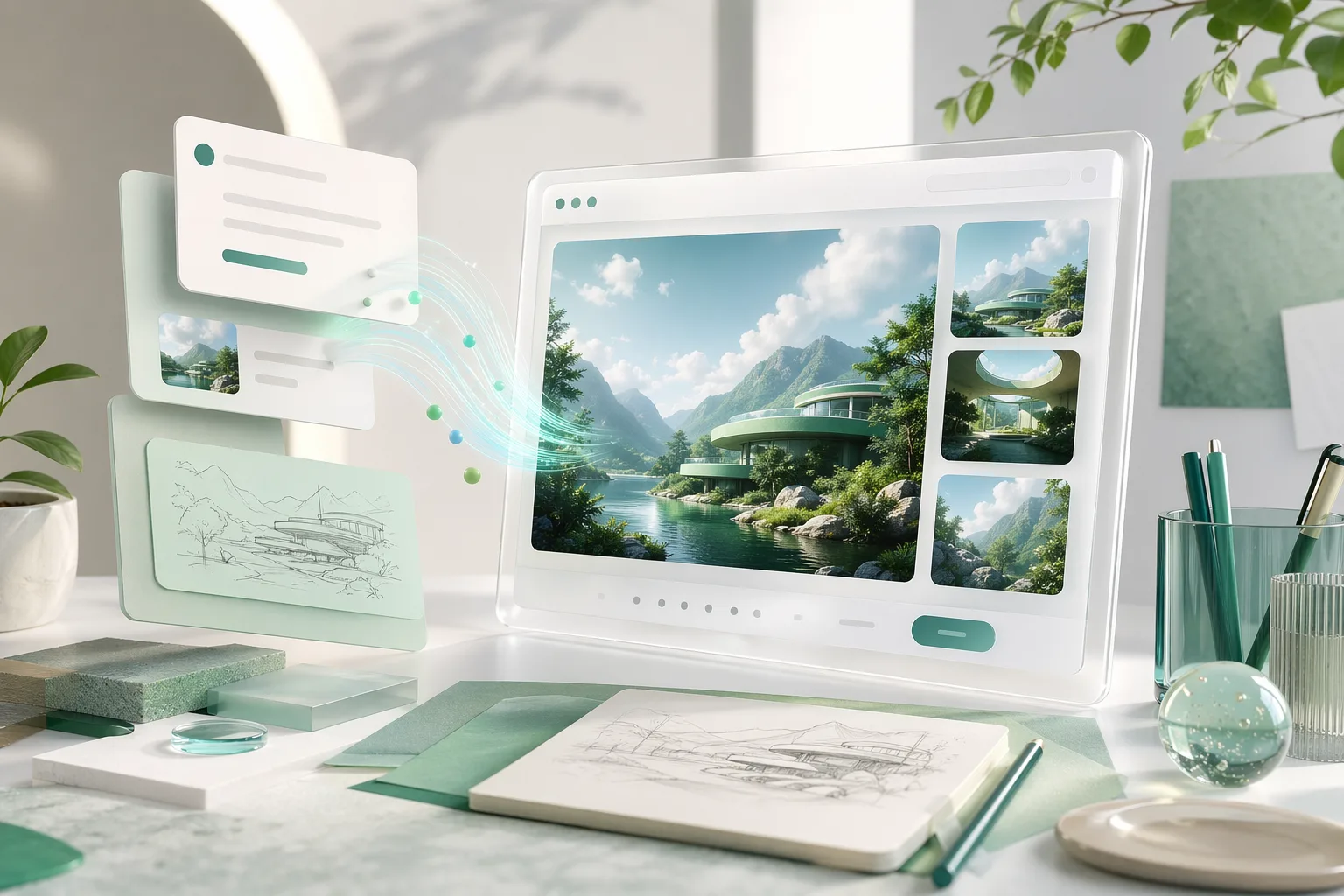
What You Can Create with GPT Image 2
GPT Image 2 helps teams move from rough ideas to polished visual assets with prompt-driven generation, references, style variation, and detail-focused refinement.
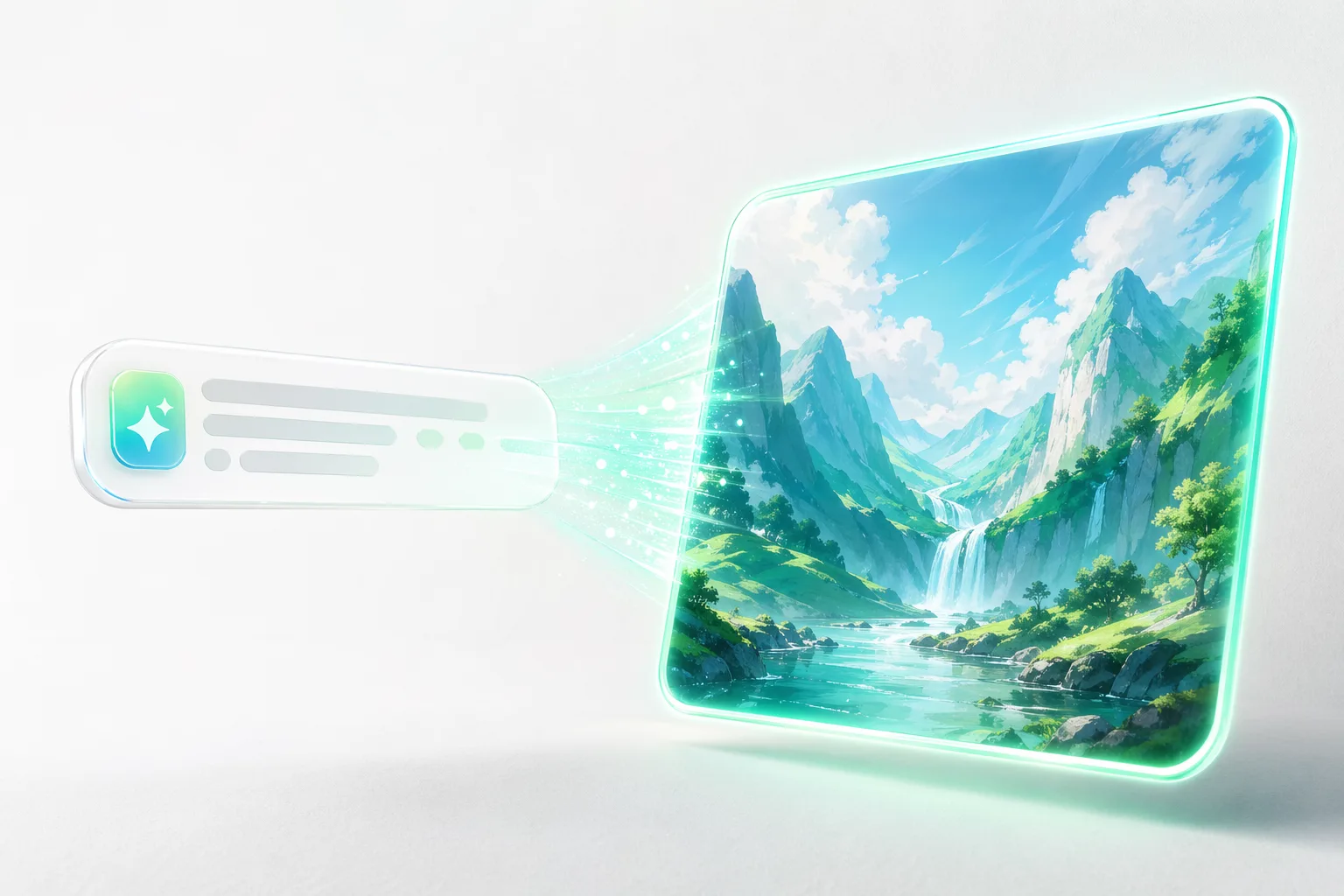
Prompt to Image
Start from a clear prompt and turn concepts into polished campaign visuals, mockups, or exploratory creative directions in a single pass.
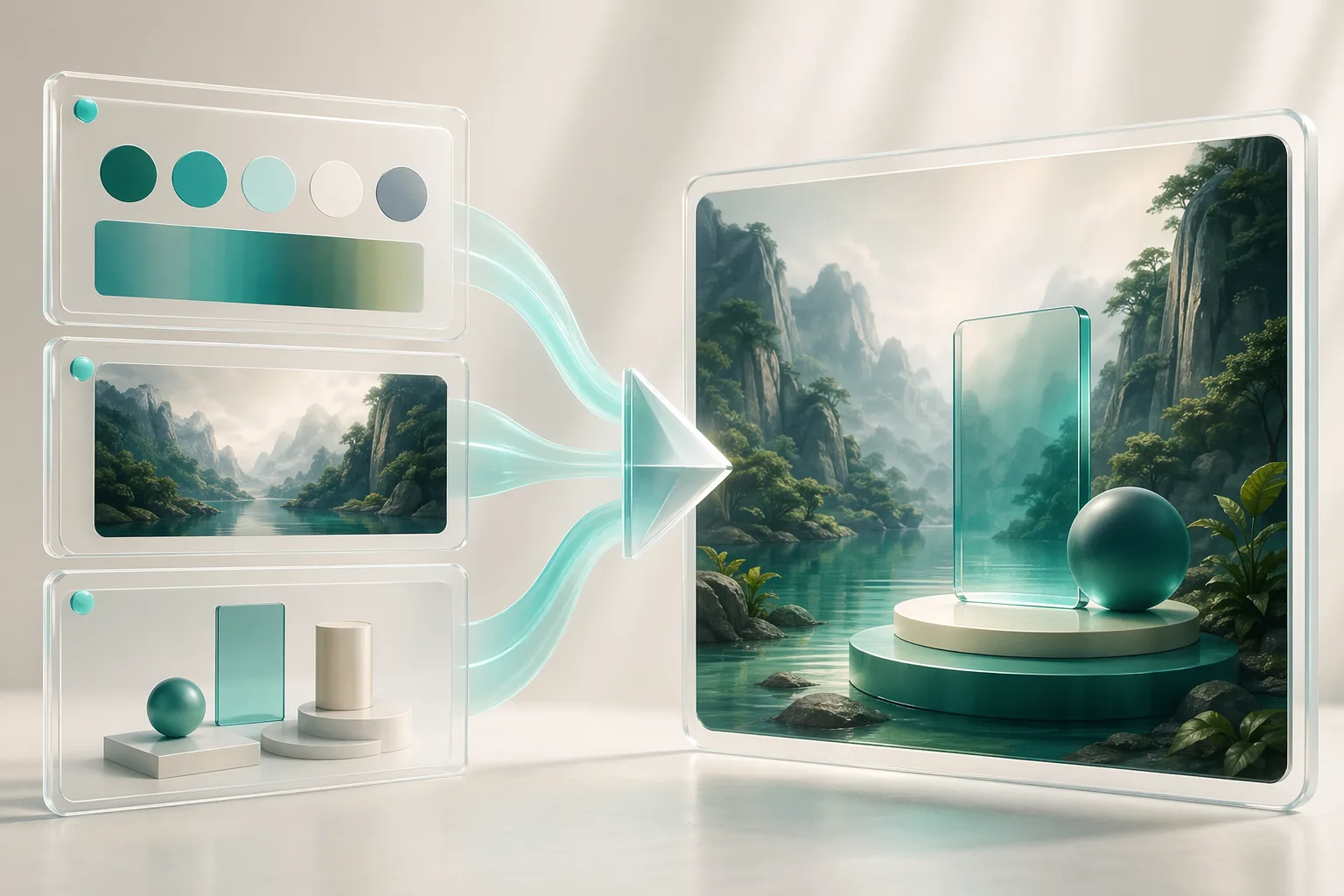
Reference-Guided Generation
Bring in image references to control composition, palette, product styling, or overall art direction without rebuilding each concept from scratch.
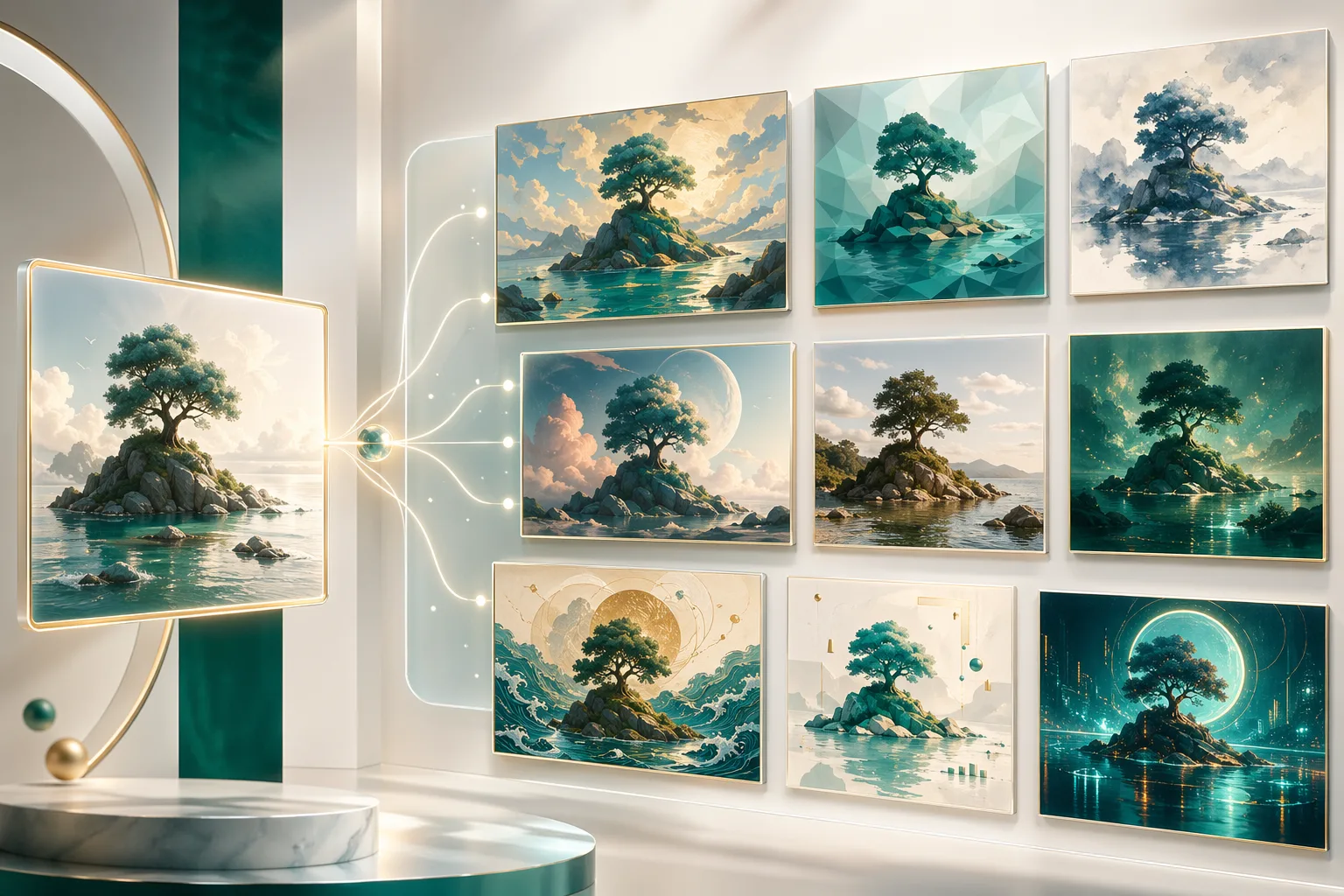
Fast Style Exploration
Branch one idea into multiple visual treatments so you can compare campaign directions, product looks, and creative territories faster.
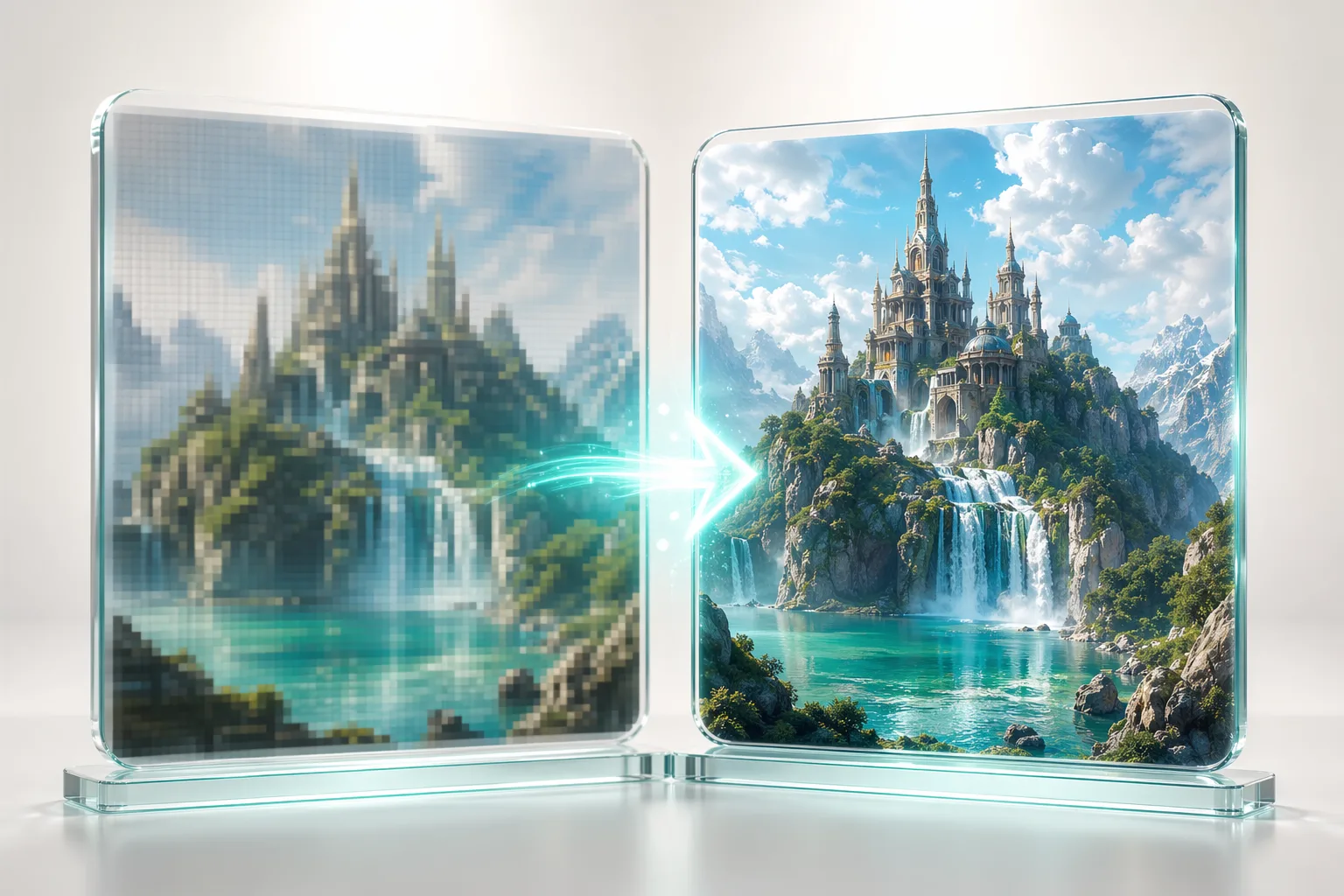
Detail Refinement
Push promising outputs further with cleaner detail, stronger surfaces, sharper composition, and more finished presentation quality.
Why Teams Choose GPT Image 2
GPT Image 2 combines creative flexibility with structured output workflows, so the generated imagery feels useful in real product, marketing, and design work.
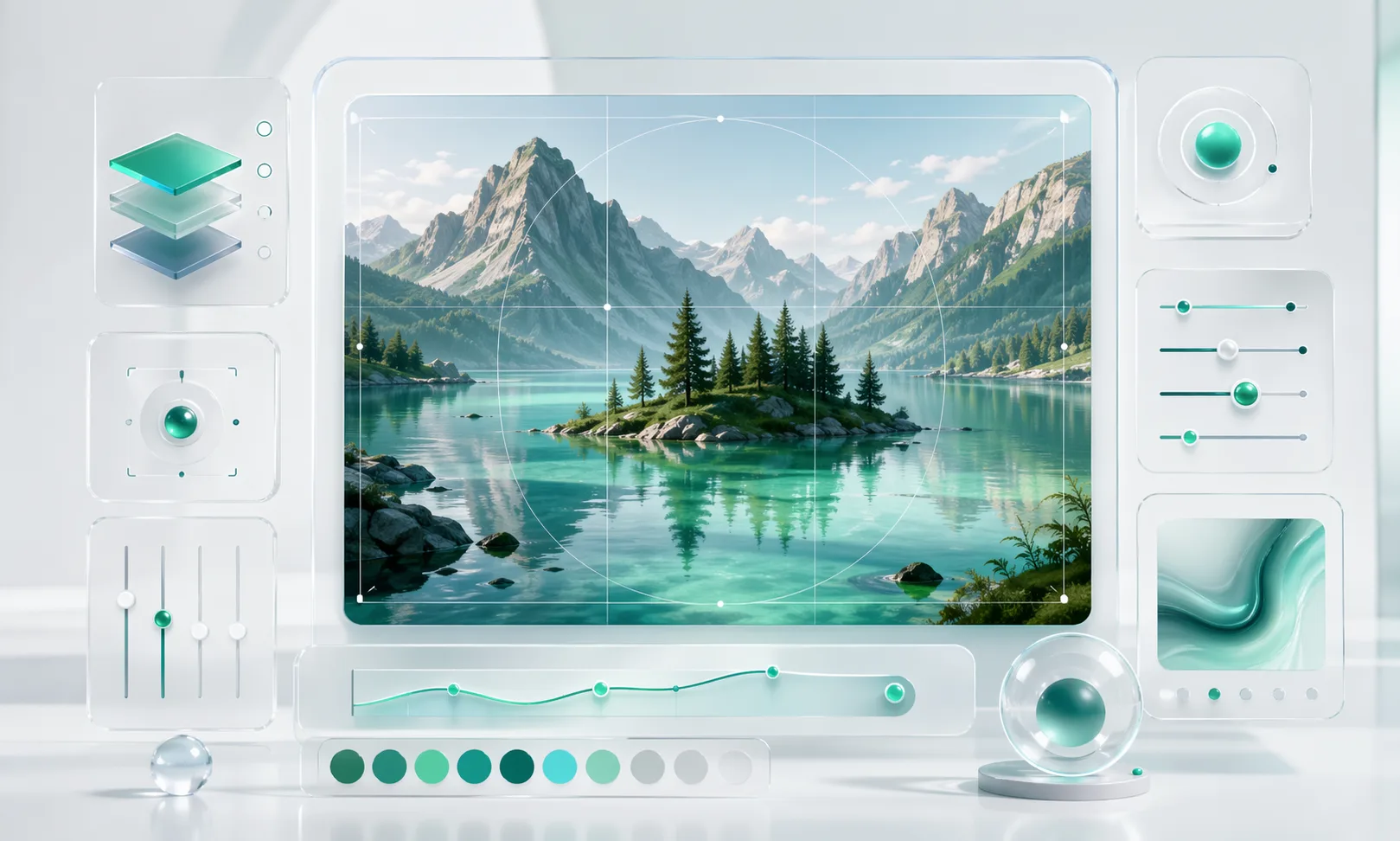
How to Create Images with GPT Image 2
Move from brief to final asset with a simple four-step image workflow designed for iteration, refinement, and export.
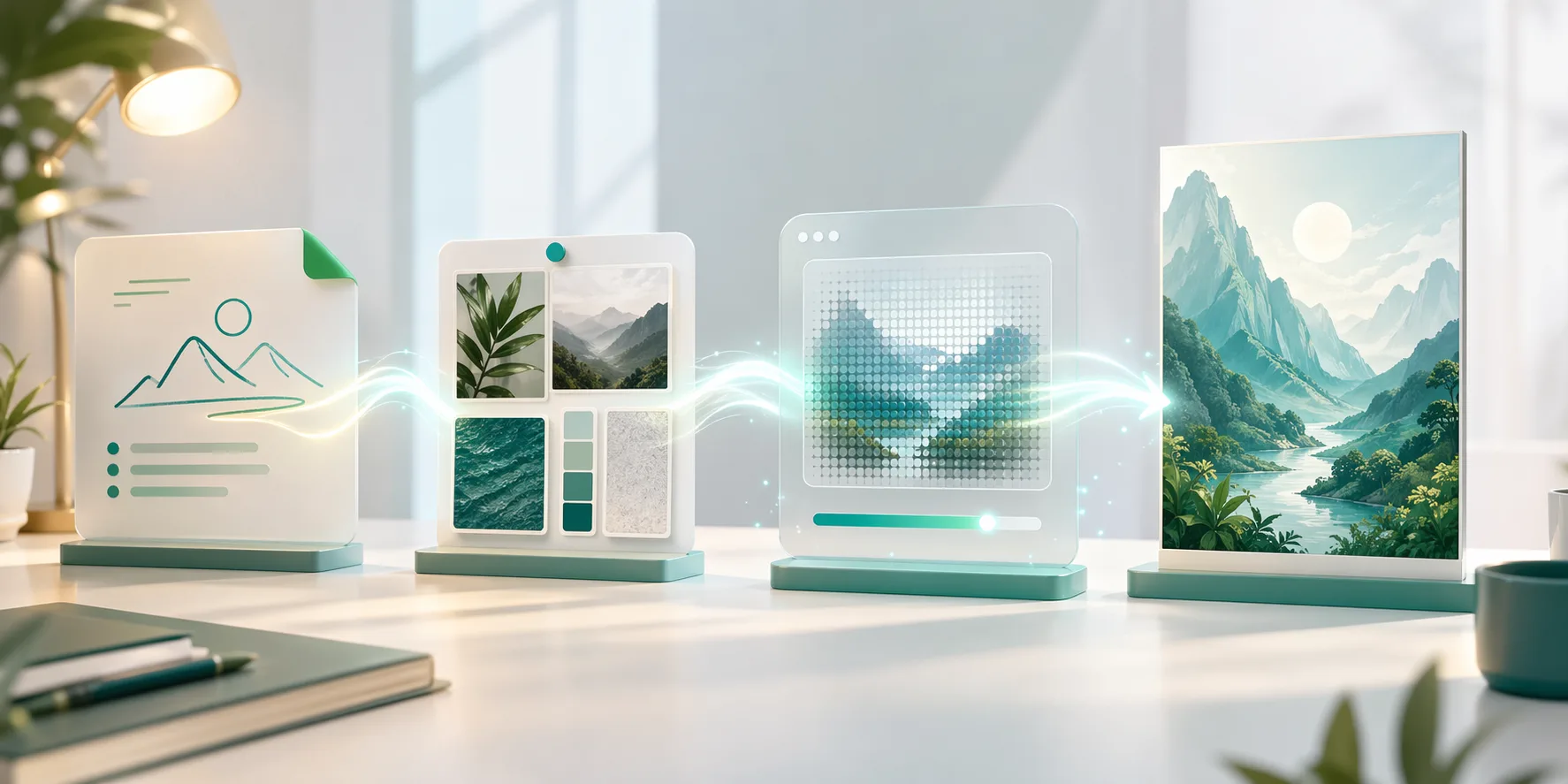
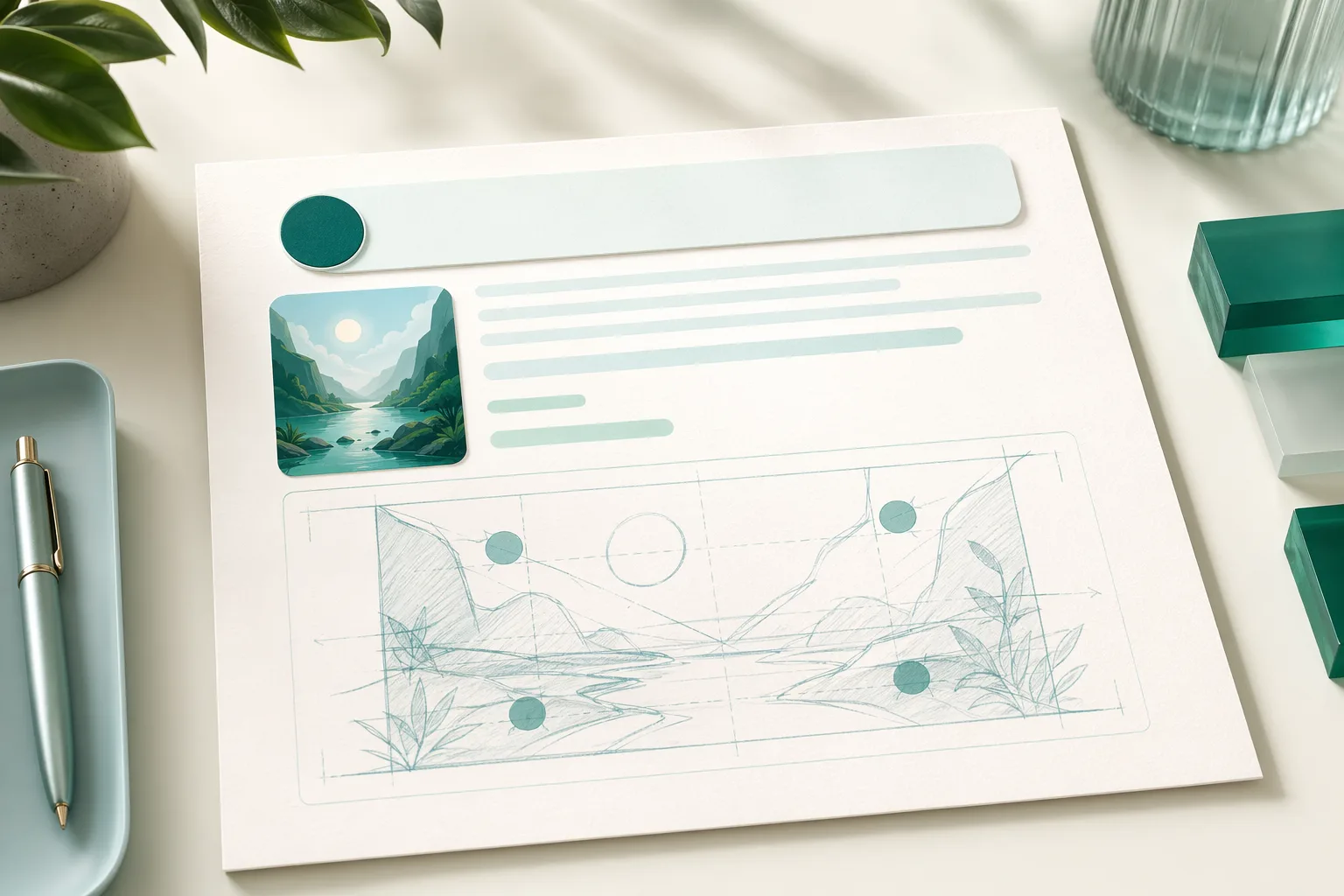
Write a Clear Prompt
Start with the subject, context, style, lighting, and framing so the first output has a stronger creative foundation.
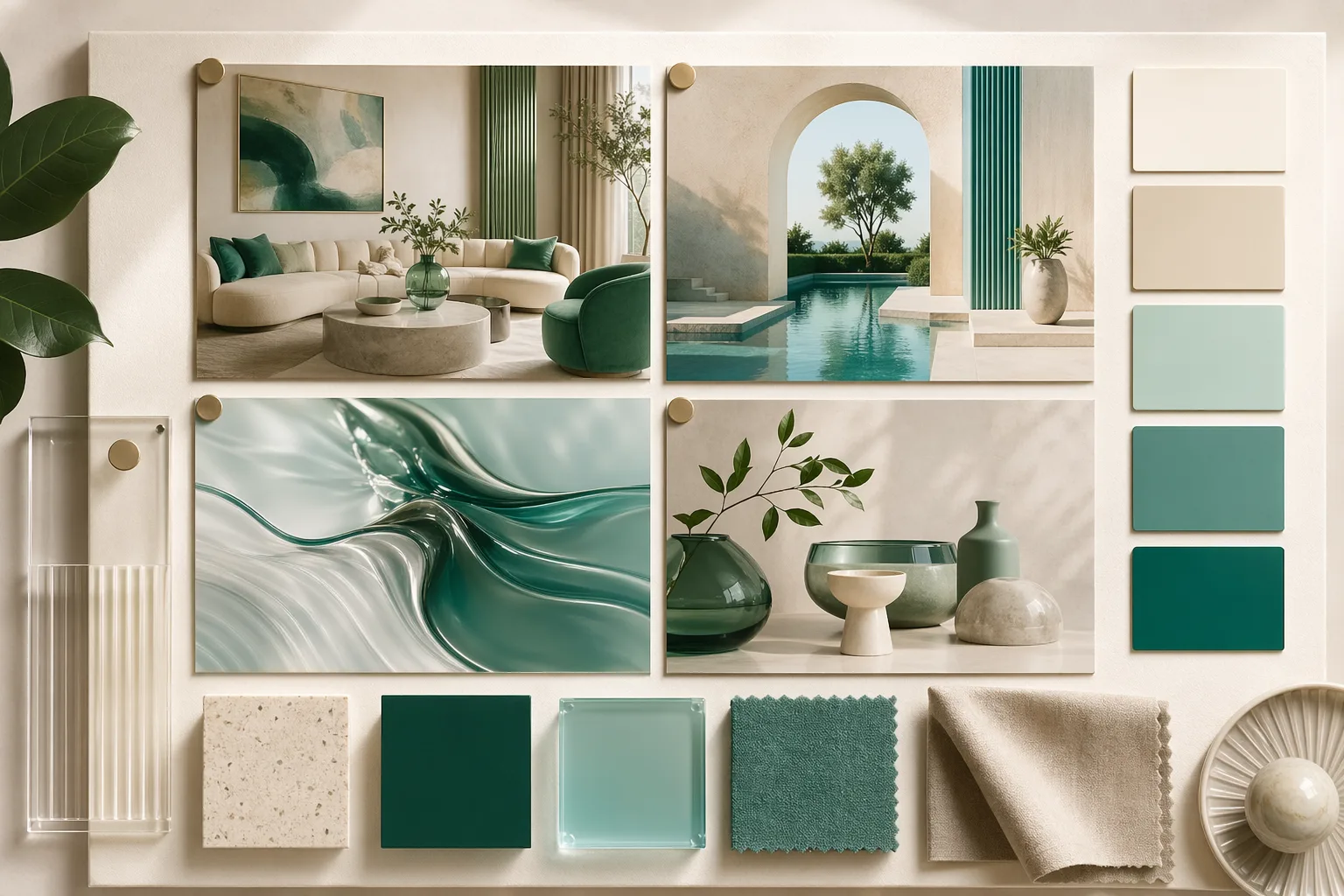
Add References and Direction
Bring in image references, material cues, or composition guidance when you need more control over the result.
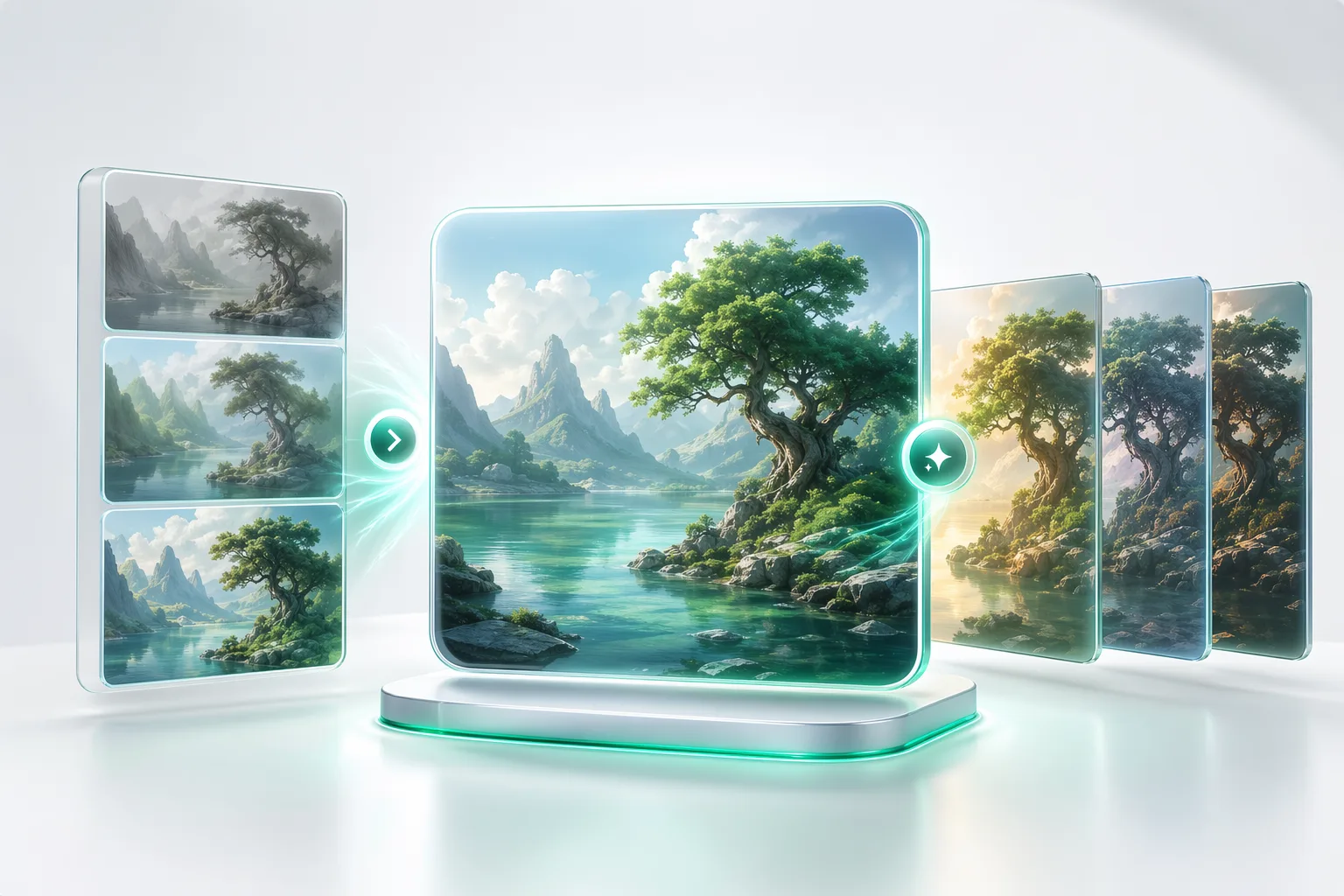
Generate and Refine
Review promising outputs, compare variants, and keep iterating toward a cleaner, sharper final direction.
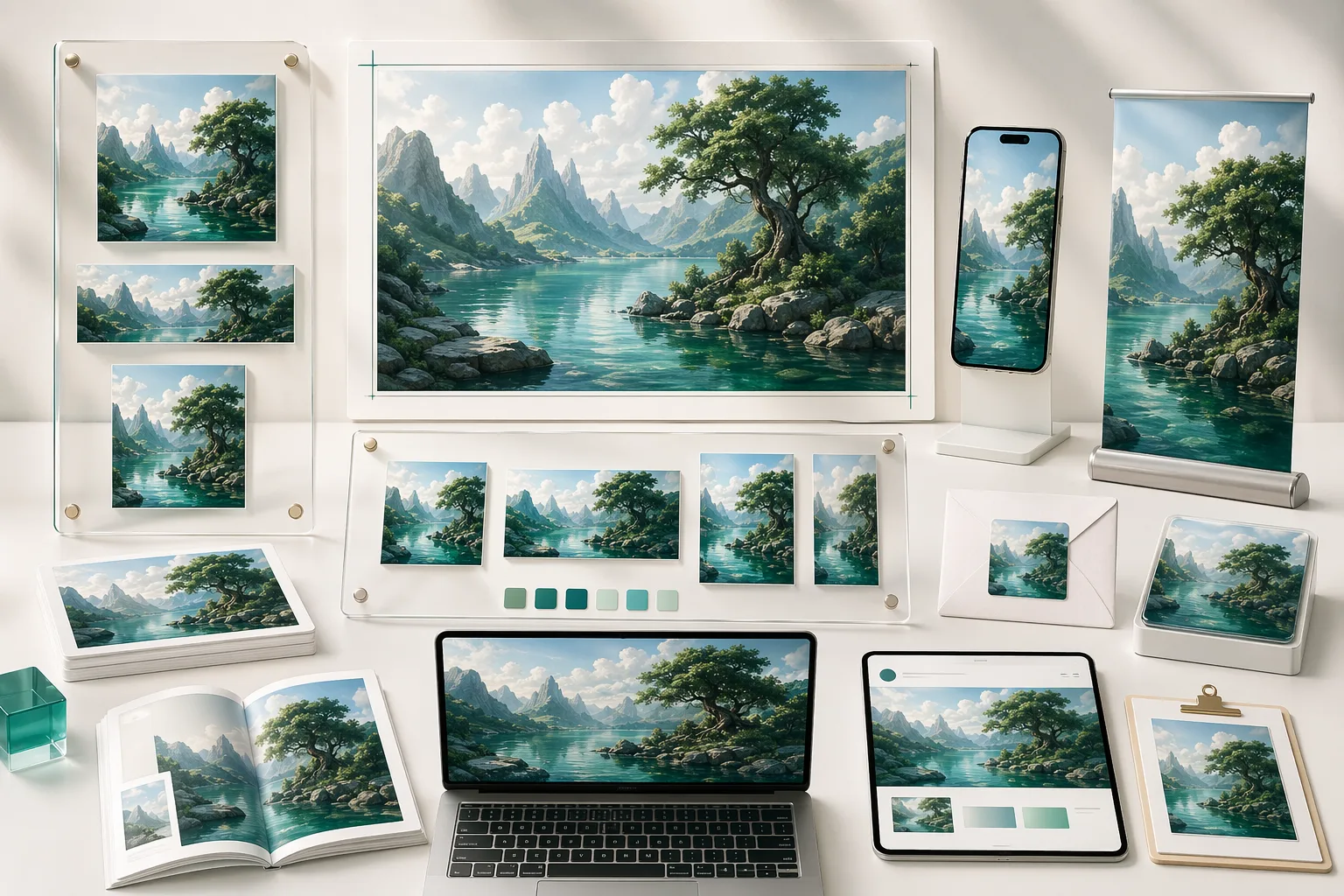
Export and Publish
Take the strongest outputs into campaigns, product pages, creative decks, and fast-moving content workflows.
GPT Image 2 Features
Everything you need for practical AI image workflows, from first prompt to polished output.
Prompt-to-Image Generation
Turn ideas into visual directions quickly with a cleaner prompt-driven workflow.
Image-to-Image Remixing
Use existing visuals as a starting point when a concept needs iteration instead of reinvention.
Reference-Based Direction
Guide styling, composition, and atmosphere with references that keep outputs more intentional.
Style Exploration
Compare multiple visual treatments quickly when you need options, not just one guess.
Higher-Fidelity Refinement
Push promising outputs toward stronger detail and cleaner visual polish before shipping.
Export-Ready Outputs
Move final images into marketing, product, and editorial workflows without extra handoff friction.
Built for Modern Creative Work
GPT Image 2 keeps ideation, refinement, and delivery moving in one visual workflow.
Prompt-Driven Start from concepts quickly
Start from concepts quickly
Reference-Aware Guide composition and style
Guide composition and style
Export-Ready Move strong visuals downstream
Move strong visuals downstream
What Creators Say About GPT Image 2
See how creative teams use GPT Image 2 for concepting, asset production, and faster visual iteration.
GPT Image 2 helped us move from rough visual concepts to polished campaign directions much faster. The outputs felt usable, not just experimental.
Alex Rivera, Creative Director
Alex Rivera
Creative Director
We used GPT Image 2 to generate multiple product-visual directions in a single day, then refined the best options into launch-ready assets.

Sarah Chen, E-commerce Marketing Lead
Sarah Chen
E-commerce Marketing Lead
The reference-based workflow made it much easier to keep a visual idea coherent while still exploring new looks for different channels.

Marcus Thompson, Content Creator
Marcus Thompson
Content Creator
I like that GPT Image 2 feels structured. It is fast enough for exploration, but the outputs still fit real brand and product work.

Yuki Tanaka, Brand Designer
Yuki Tanaka
Brand Designer
We now test more visual directions before committing production time, which makes campaign reviews faster and sharper.

James Wilson, Agency Founder
James Wilson
Agency Founder
GPT Image 2 gave me a practical way to move from inspiration boards to presentation-ready visuals without getting stuck in endless prompt chaos.
Priya Sharma, Independent Creative
Priya Sharma
Independent Creative
Frequently Asked Questions About GPT Image 2
Answers about GPT Image 2, including prompt-to-image workflows, references, refinement, pricing, and use cases.
Start Creating with GPT Image 2
Use GPT Image 2 to explore concepts, refine ideas, and ship stronger visual assets faster.